

What File Format Is Required for Offset Book Printing?

When it comes to preparing artwork for offset book printing, the right file format is crucial. From novels to textbooks, children’s books to catalogs, art books to hardcover books, digital files must live up to your printer’s technical standards to get the colors, text, layouts and professional results you desire.
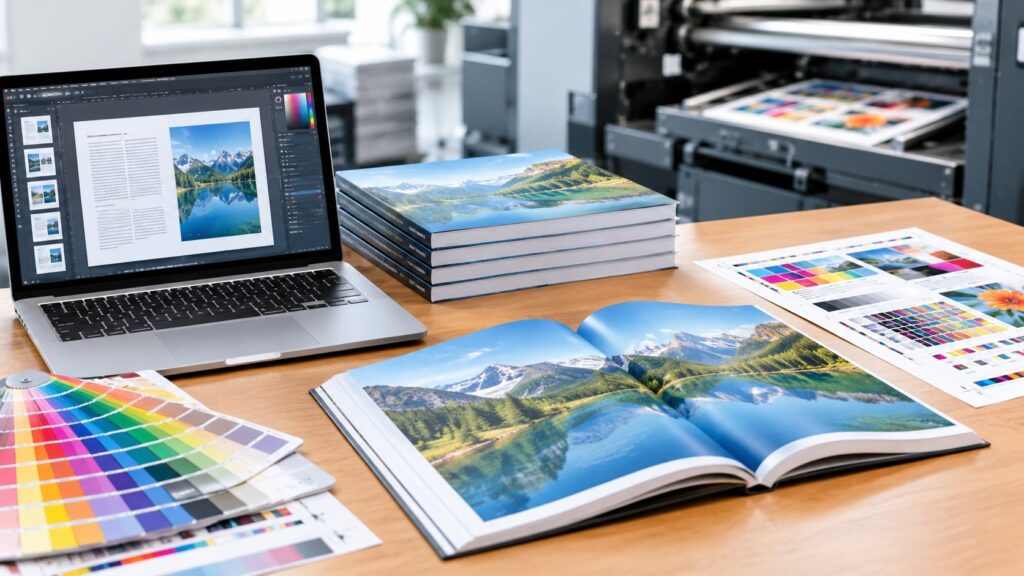
For most situations, the best format for offset book printing will be a print-ready PDF, specifically PDF/X-1a (or PDF/X-4). It will depend, however, on the way of printing and the type of book, binding, and the complexity of artwork.
This guide will help you understand the file formats, the PDF export settings, image resolution, colour modes, bleed requirements and common problems that can arise when preparing a file for commercial book printing.
1. What Is the Best File Format for Offset Book Printing?
A PDF is typically the preferred file format for offset book printing since it maintains page dimensions, graphics, images, fonts and layout of a document. The printer receives a printed copy of a pdf, which is created with care, without any unwanted formatting, whereas a file that is able to be edited may have been re-formatted or changed.
The following are the most popular formats.
PDF/X-1a
PDF/X-1a is a commonly used print production standard. Embeds fonts, accommodates CMYK and spot colors, and flattens transparency to facilitate with traditional print workflow.
Many conventional offset printing jobs will work with this format such as novels, textbooks, brochures and product catalogs.
PDF/X-4
The PDF/X-4 is a modern print-ready PDF standard, which allows for live transparency, colour management information and more modern PDF features.
It is frequently an option for books with clear visuals, layered graphics, complex drawings, or fancy page designs. But compatibility will vary based on the prepress system of the printer.
Standard PDF
If the standard PDF is of good quality, it may be acceptable if it is capable of meeting the printer’s demands for fonts, colour, images, size and bleed.
Be sure to check if your printer prefers PDF/X-1a, PDF/X-4 or some other PDF preset before you export.
Other File Formats
| File format | Typical use |
|---|---|
| Final print-ready artwork | |
| INDD | Editable Adobe InDesign layout |
| IDML | InDesign interchange file |
| AI | Editable vector illustrations and graphics |
| PSD | Layered image editing |
| TIFF | High-quality raster images |
| DOCX | Manuscript preparation before typesetting |
Although these formats can be useful during production, they are not always suitable as final print files. For example, a DOCX manuscript usually requires professional typesetting and PDF export before it is ready for offset printing.
2. Why PDF Is Preferred for Offset Printing
Offset printing involves transferring ink from printing plates to a blanket and then onto paper. Accurate prepress preparation is essential because errors in the supplied artwork can affect thousands of printed copies.
A print-ready PDF offers several advantages.
Layout consistency: Fonts, page elements, images, and spacing are preserved more reliably than when transferring editable documents between computers.
Font embedding: Embedded fonts help prevent unexpected font substitution, which can change line breaks, page counts, and text positioning.
Image quality: High-resolution images can be retained without unnecessary compression.
Color management: The PDF can contain the required CMYK or spot-color information for the printer’s workflow.
Production efficiency: A standardized PDF allows the prepress team to inspect, impose, and prepare the pages for printing more efficiently.
For commercial book printing, the goal is not simply to create a PDF. It is to produce a technically correct PDF that matches the printer’s specifications.
3. Recommended PDF Settings for Offset Book Printing
The exact settings depend on the paper, printing equipment, binding method, and prepress workflow. The following guidelines provide a useful starting point.
Page Size and Page Count
Create the document using the final trimmed book size, such as A4, A5, or a custom publication size.
The interior PDF should normally contain individual pages in reading order unless the printer specifically requests printer spreads.
For saddle-stitched books, the total page count generally needs to be divisible by four. Perfect-bound books may have different requirements depending on the binding and production specifications.
Always confirm the required page count and file organization before submitting the artwork.
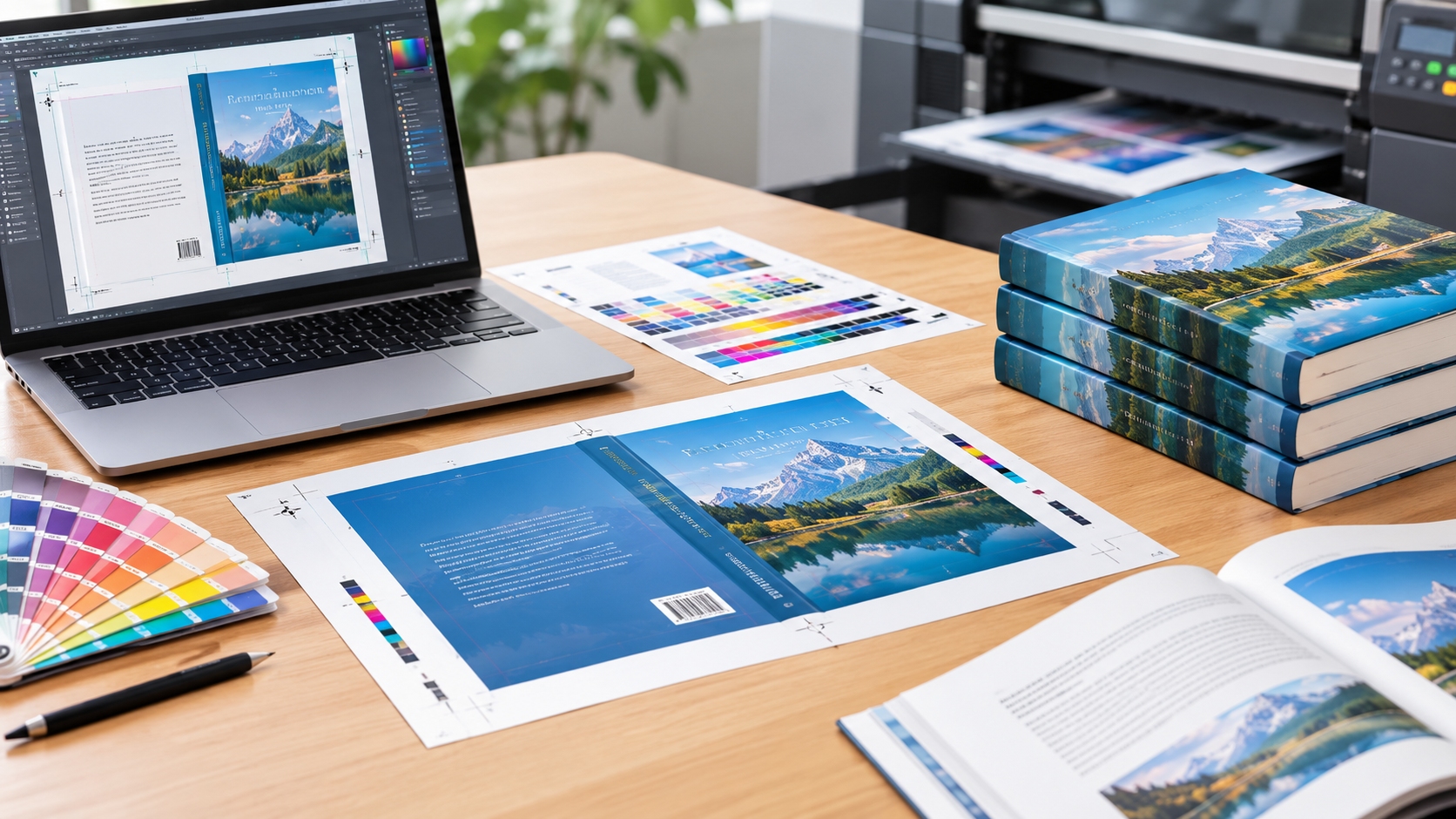
Bleed and Trim Marks
Bleed is the area of artwork that extends beyond the final trim edge. It prevents unwanted white edges if the paper is trimmed slightly outside the intended cutting line.
A common starting point is 3 mm bleed on each applicable edge, although some printers require different measurements.
Images and background colors that reach the edge of a page should extend into the bleed area. Important text and logos should remain safely inside the trim area.
Crop marks should be included only when requested or when required by the printer’s submission guidelines. Some production systems prefer PDFs without crop marks because trimming information is handled separately.
Image Resolution
For most conventional offset book printing, 300 DPI at the final placed size is a common recommendation for photographs and continuous-tone images.
Other content may require different treatment:
- Photographs: typically 300 DPI.
- Grayscale images: typically 300 DPI.
- Color illustrations: usually 300 DPI for raster artwork.
- Black-and-white line art: often 600–1200 DPI, depending on the artwork and workflow.
- Vector graphics and text: resolution-independent when properly created.
Avoid enlarging small, low-resolution images excessively, as this can produce blurry or pixelated results in print.
Color Mode
Offset printing generally uses CMYK process colors, while certain jobs also use spot colors.
If your printer requests CMYK files, convert RGB images using an appropriate color profile or the printer’s recommended settings. Different paper stocks and printing conditions can affect the final appearance of colors.
For example, coated paper often reproduces images differently from uncoated book paper. Dark, saturated RGB colors may also become less vivid when converted to CMYK.
Do not assume that every PDF must be converted to one universal CMYK profile. Ask the printing company which ICC profile or PDF color-management settings it requires.
4. How to Prepare Interior and Cover Files
Book interiors and covers usually have different production requirements.
Interior PDF
The interior file contains the book’s text, illustrations, photographs, tables, and page numbers.
Before exporting, check that:
- All pages use the correct trim size.
- Fonts are embedded.
- Images meet the required resolution.
- Bleed is included where necessary.
- Page numbers and running headers are correct.
- Blank pages are intentional.
- The final page count matches the approved layout.
For a conventional book, the interior is generally supplied as a multipage PDF with single pages in reading order.
Cover PDF
The cover often requires a separate file because it includes the front cover, back cover, spine, and bleed.
For perfect-bound books, the spine width depends on factors such as page count, paper thickness, and binding specifications. The printer should calculate or confirm the final spine width before the cover artwork is finalized.
Hardcover books may require additional allowances for wrapping, turn-ins, board thickness, and case construction. These measurements vary by manufacturing method.
Always request the printer’s official cover template. It is safer than estimating spine width or creating a cover spread from a generic template.
5. Which Software Should You Use?
Several professional design applications can produce suitable print-ready PDFs.
Adobe InDesign is a common choice for books with many pages because it supports master pages, paragraph styles, long-document management, and professional PDF export.
Adobe Illustrator is suitable for vector illustrations, diagrams, and some cover designs, but it is generally less convenient for managing long books.
Adobe Photoshop is useful for editing photographs and raster artwork. It should not normally be the primary layout tool for a text-heavy book.
Other publishing applications can also work if they support the printer’s required PDF standards and export settings.
For authors working with Word manuscripts, the usual process is to finalize the text, apply professional typesetting, and export a print-ready PDF after checking the page layout.
6. Common File Preparation Mistakes to Avoid
Several avoidable problems can delay offset book printing or reduce print quality.
Submitting editable files without checking the requirements. An InDesign package or Word document may be useful for editing, but the printer may require a final PDF for production.
Using RGB images without confirming color settings. Incorrect conversion can produce unexpected color shifts.
Forgetting bleed. Full-page photographs or backgrounds may reveal thin white edges after trimming.
Using low-resolution images. Images that look clear on a screen may appear soft when printed.
Failing to embed fonts. Missing fonts can alter text positioning and page layout.
Creating the wrong cover dimensions. An incorrect spine width can cause text or artwork to shift during binding.
Exporting reader spreads instead of single pages. Many printers require individual pages so that their prepress systems can impose them correctly.
A preflight check before submission can identify many of these issues before the files enter production.
7. How to Submit Files to an Offset Book Printing Company
For a smoother production process, prepare the files and confirm the printer’s requirements before placing the order.
A practical workflow is:
- Finalize the manuscript and page layout.
- Confirm the book’s trim size, paper stock, binding type, and page count.
- Obtain the printer’s interior and cover specifications.
- Export the interior PDF using the required PDF standard.
- Export the cover using the approved template.
- Check fonts, images, colors, bleed, and page order.
- Review a digital proof and request a physical proof when appropriate.
- Approve the final files before mass production.
For large print runs, proofreading and proof approval are particularly important because a small design error can be reproduced across the entire order.
8. Frequently Asked Questions
Is PDF/X-1a or PDF/X-4 better for offset book printing?
Both can be suitable. PDF/X-1a is useful for established workflows that require flattened transparency, while PDF/X-4 supports live transparency and modern color-management features. Follow the printer’s preferred standard.
Can I submit a Word document for offset book printing?
Some printers accept Word files for typesetting or conversion, but a professionally formatted, print-ready PDF is generally more reliable for final production.
Should I submit single pages or spreads?
Most book interiors should be supplied as single pages in reading order. Covers are often supplied as a complete cover spread using the printer’s template.
Do all images need to be 300 DPI?
No. Approximately 300 DPI is common for photographs, but line art, vector graphics, and other image types have different requirements.
Should I convert all text to outlines?
Not necessarily. Embedding fonts in a properly prepared PDF is usually preferable for editable text and accessibility. Outline conversion should be used only when specifically required and after considering its limitations.
Conclusion
The most popular file format for offset book printing is a PDF that is print ready, typically PDF/X-1a or PDF/X-4. The right option would rely on the prepress procedure and technical requirements of your printing company.
If it is necessary to make separate interior and cover PDFs, use appropriate image resolution, adhere to the suggested color profile, use the required bleed, and check trim sizes for accurate results. Most important of all, ask the printer for the most up-to-date information on how to prepare your files for printing.
It is important to use a professional book printing company at the outset of the design to prevent any file error, reduce the amount of time for production and ensure that your finished book is of the quality, consistency and presentation you are expecting.
Share on Social:


