

How to Prevent Show-Through in Thin Bible Paper?

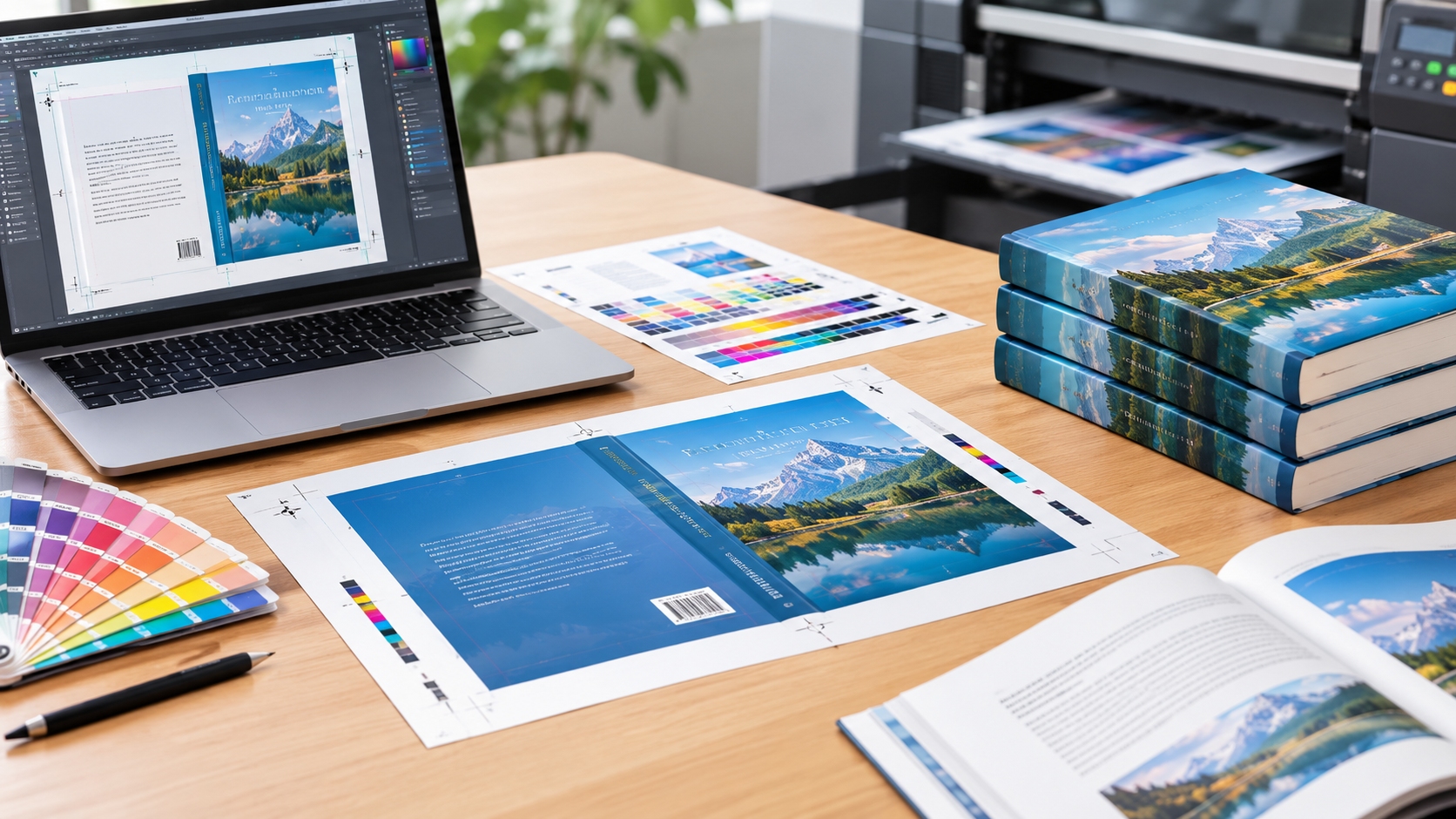

To produce compact, lightweight Bibles that are easy to carry, hold and read, thin Bible Books paper is essential. One of the most challenging printing problems in Bible printing is, however, the show-through – ink show-through or strike-through. Printed material on one side of a page that is readable on the other side can make it difficult to read, particularly in the case of Bible study.

To avoid show-through, a careful coordination must be achieved between paper selection, ink formulation, printing methods, page design and finishing processes. Bible publishers, book printers and religious publishing companies gain insight into these factors to get a balance between thin paper, good text legibility, durability, and production costs.
This Guide informs and instructs on the reasons for show-through in thin Bible paper and how to reduce it, using practical printing and Bible paper production methods.
1. What Is Show-Through in Bible Printing?
Printed words or images on the back side of a paper that can be seen from the front. In Bibles, it is especially evident as the pages are thin and tend to have a great deal of text, footnotes, cross references and small typography.
There are two issues that are related to distinguish:
- Print show-through: Light passing through the paper reveals text printed on the opposite side.
- Ink strike-through: Ink penetrates excessively into the paper and becomes visible on the reverse surface.
Both problems can make reading uncomfortable but are caused by different things. Paper opacity and thickness can have a significant impact on show-through, and the degree of absorbency of the paper and the printing process can have an impact on the degree of strike-through.
The idea for Bible publishers isn’t to just employ thicker paper. It’s about choosing print and printing methods that result in good readability while meeting readers’ expectations of compact size.
2. Choose Bible Paper with High Opacity
Paper selection is a crucial element to controlling show-through. The opacity of two similar thickness sheets may be quite different due to variations in pulp composition, fillers, coatings and manufacturing processes.
Here are some features to look for in a thin Bible paper.
High opacity
Opacity is the degree of light refracting capacity of paper. Increased opacity will decrease reverse side printing visibility.
Use lightweight paper, especially lightweight paper designed for Bible printing, for Bible production. Ask for data of opacity from the paper manufacturer and test samples using representative text printed on both sides of the paper.
Appropriate basis weight
Basis weight is the mass of a square meter of paper, usually measured in grams per square meter (gsm). Bible paper lighter in weight will have less thickness and weight, but very light paper will lead to show-through.
The optimum basis weight will vary according to the number of pages in the Bible, the size of the Bible, the type of binding, and the reading level desired. Don’t assume the lightest available option is the best choice for publishers.
Suitable paper composition
The ratio of the pulp fibers and mineral fillers and other paper materials influences printability, smoothness, strength and opacity. Some thin papers are made opaque with no significant increase in thickness.
Inquire about paper grades that are suitable for thin page printing, including opacity, bulk, tensile strength, and ability to print. The paper selected from the specifications is not as appropriate as testing actual production samples.
3. Select the Right Ink for Thin Bible Paper
Ink selection plays a major role in preventing excessive penetration and maintaining sharp, readable text.
Use suitable printing ink
Bible printing commonly uses offset printing because it supports consistent text reproduction across large production runs. The ink must transfer cleanly onto lightweight paper while maintaining adequate density and controlled penetration.
Publishers should work with their printing partners to select an ink formulation compatible with the paper’s surface properties. Excessive penetration can contribute to reverse-side staining, while inappropriate ink characteristics may cause poor transfer, smudging, or slow drying.
Optimize ink density
Excessively heavy ink coverage can make show-through more noticeable. Dark, bold text may be easier to read from the front, but too much ink can compromise the appearance of the reverse side.
Printers should calibrate ink density according to the paper grade and printing requirements. The objective is to achieve strong, consistent black text without applying unnecessary ink.
Control ink-water balance
In offset printing, the relationship between ink and dampening solution affects transfer quality and stability. An unsuitable balance may lead to inconsistent printing, weak text, or other defects.
Experienced press operators should maintain stable press conditions and verify that the selected settings work with the specific Bible paper being used.
4. Optimize the Bible Printing Process
Even high-quality paper can produce unsatisfactory results when printing conditions are poorly controlled. A reliable production workflow helps minimize show-through while preserving fine details.
Use appropriate printing pressure
Excessive pressure can contribute to paper deformation, transfer problems, and inconsistent print quality. Printers should follow the press manufacturer’s recommendations and adjust settings to suit the paper’s thickness and mechanical properties.
Maintain consistent ink transfer
Small variations in ink transfer can create differences in text darkness across a large print run. Regular quality checks help identify areas where ink coverage is unnecessarily heavy.
Test drying and setting conditions
Ink setting and drying behavior depend on the ink system, paper characteristics, and printing environment. Properly controlled conditions reduce the risk of smudging, set-off, and other defects.
Before mass production, conduct press tests using the intended paper, ink, and printing configuration. Evaluate the results under consistent lighting conditions and inspect both sides of the printed sheets.
5. Improve Typography and Page Layout
Paper and ink are not the only factors affecting perceived show-through. Page design can significantly improve readability without changing the paper grade.
Choose an appropriate font
Bible text often uses small serif fonts to accommodate large amounts of content within a compact page size. However, excessively thin strokes may appear weak when printed on lightweight paper.
Select a typeface with clear character shapes and sufficient stroke weight for the intended printing process. Test actual printed samples at the final font size rather than relying on on-screen previews.
Avoid unnecessarily heavy text
Bold type, dense headings, dark decorative elements, and large solid areas can make reverse-side content more visible.
Use bold formatting selectively and avoid unnecessary heavy ink coverage. Where the design permits, simplify decorative elements while preserving the traditional appearance of the Bible.
Manage content placement
Dense passages, footnotes, and cross-references can create visually busy pages. A carefully organized layout with consistent line spacing and clear hierarchy helps readers distinguish the primary text from supporting content.
Publishers can also evaluate whether illustrations, shaded backgrounds, or large dark elements should be reduced or repositioned to minimize visual interference.
6. Consider Paper Coating and Surface Treatment
Certain paper treatments can improve print quality, but their effectiveness depends on the intended paper structure and printing method.
Specialized paper manufacturing techniques may improve opacity, surface smoothness, and ink holdout. Better ink holdout can help limit excessive penetration, while a more uniform surface supports consistent text reproduction.
However, coatings do not automatically eliminate show-through. A treatment that improves surface smoothness may not provide sufficient opacity, and an unsuitable coating can affect ink adhesion, drying, folding, or binding.
Bible publishers should request coated and uncoated sample grades when appropriate and compare them under realistic production conditions. The most suitable option is the one that balances readability, durability, weight, and manufacturing compatibility.
7. Test Paper Before Mass Production
Pre-production testing is essential for identifying show-through problems before they affect thousands of finished Bibles.
A practical evaluation process should include:
- Paper inspection: Compare thickness, opacity, surface smoothness, and handling characteristics.
- Two-sided printing tests: Print representative Bible text, footnotes, and bold headings on both sides.
- Visual assessment: Inspect the pages under typical reading light and different viewing angles.
- Readability evaluation: Ask readers or quality-control staff to assess whether reverse-side text interferes with reading.
- Binding tests: Fold, gather, and bind sample pages to evaluate durability and handling.
- Production verification: Confirm that the approved paper and printing settings remain consistent during the actual print run.
A standardized test procedure helps publishers compare suppliers objectively and establish measurable acceptance criteria.
8. Balance Opacity, Weight, and Printing Cost
Preventing show-through does not necessarily mean selecting the thickest or most expensive paper. The best solution is the one that delivers sufficient opacity and readability at the required weight and cost.
For example, a publisher producing a compact reference Bible may prioritize minimal thickness, while a study Bible with extensive footnotes may require greater opacity and a more forgiving layout.
When comparing paper grades, evaluate the total manufacturing impact, including paper consumption, printing performance, binding requirements, shipping weight, and expected product quality.
A slightly higher-cost paper may be worthwhile if it improves readability and reduces waste. Conversely, an unnecessarily heavy grade can increase material costs and make the finished Bible less convenient to carry.
The most effective approach is to establish minimum readability and opacity requirements first, then identify the most economical paper and printing combination that meets those standards.
9. How to Choose a Reliable Bible Printing Manufacturer
Working with an experienced Bible printing manufacturer can help publishers control show-through throughout the production process.
When evaluating a supplier, ask about:
- Experience producing Bibles and other books with thin paper.
- Access to specialized lightweight paper grades.
- Paper opacity testing and supplier quality control.
- Offset printing capabilities and ink-density management.
- Pre-production samples and approval procedures.
- Binding performance, folding quality, and finished-book inspection.
- Customization options for trim size, page count, typography, and cover materials.
Request physical samples of comparable projects whenever possible. A manufacturer that understands the relationship between paper opacity, ink transfer, and page design is better positioned to recommend practical solutions.
Conclusion
Choosing light paper Bible is only the first step in fighting the show-through effect. It requires selecting paper that has the right opacity, fine-tuning the ink and printing specifications, adjusting the typography and confirming the entire production workflow.
The best approach for Bible publishers is to consider both paper and printing at the same time instead of making decisions on paper or printing individually. Pre-production testing and regular quality checks help guarantee that the end result is still lightweight, long lasting and easy to read.
With the help of a reputable Bible printing company and a well-defined quality control system, publishers can ensure their Bibles are of high quality and offer just the right level of portability with great readability.
Frequently Asked Questions
What causes show-through in thin Bible paper?
Show-through is primarily caused by limited paper opacity, which allows light to reveal text printed on the reverse side. Ink penetration, heavy ink coverage, and dense page layouts can make the problem more noticeable.
What is the best paper for preventing Bible show-through?
The best option is a lightweight Bible paper engineered for high opacity, consistent printability, and sufficient strength. The ideal grade depends on the Bible’s thickness requirements, page count, and printing method.
Can printing techniques reduce show-through without changing the paper?
Yes. Appropriate ink density, controlled ink transfer, suitable press settings, and optimized typography can reduce the visibility of reverse-side printing. However, these measures cannot fully compensate for paper with insufficient opacity.
Does thicker Bible paper always provide better readability?
Not necessarily. Thickness alone does not determine opacity. Some specially engineered lightweight papers can provide better show-through control than thicker papers with less suitable compositions.
How can publishers evaluate show-through before ordering a large quantity?
Request printed samples using the intended paper, ink, and layout. Inspect both sides under realistic lighting, assess text readability, and approve a production sample before proceeding with the full print run.
Share on Social:


